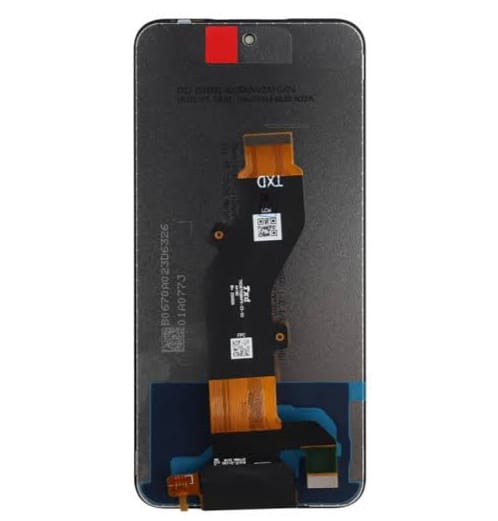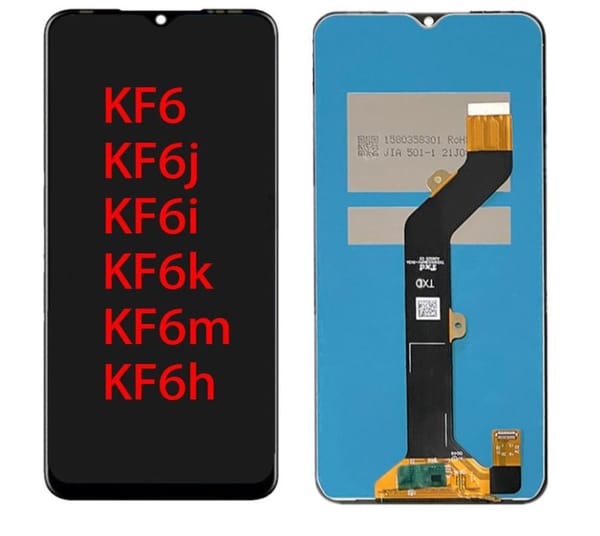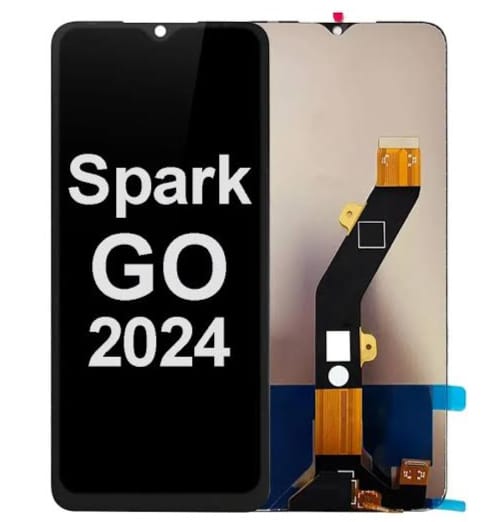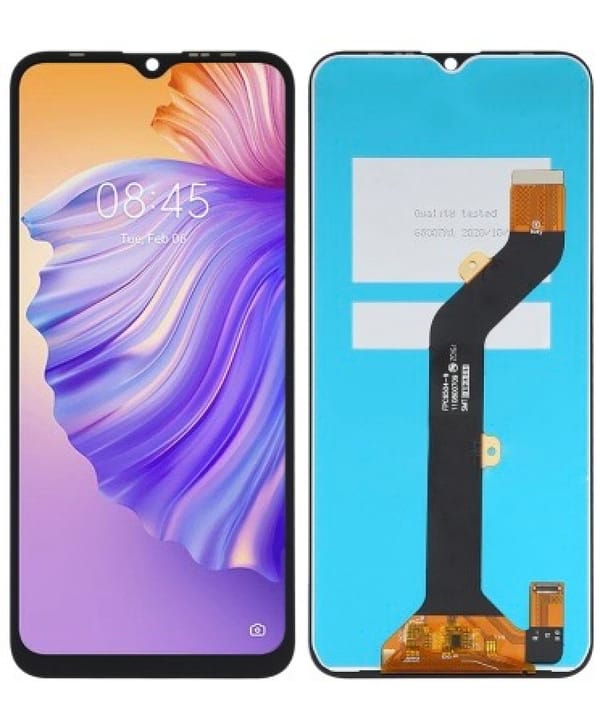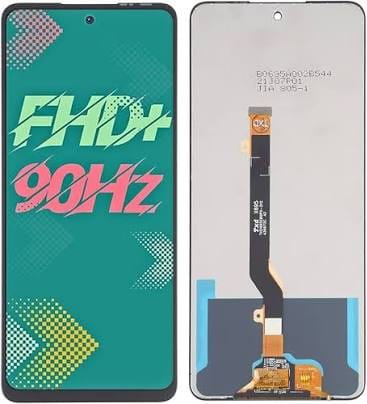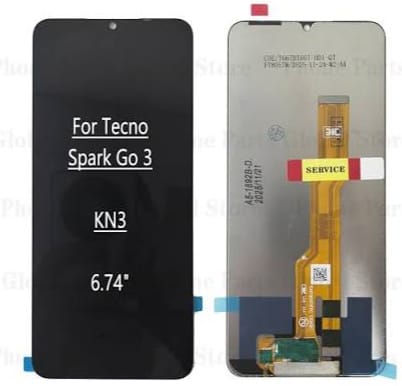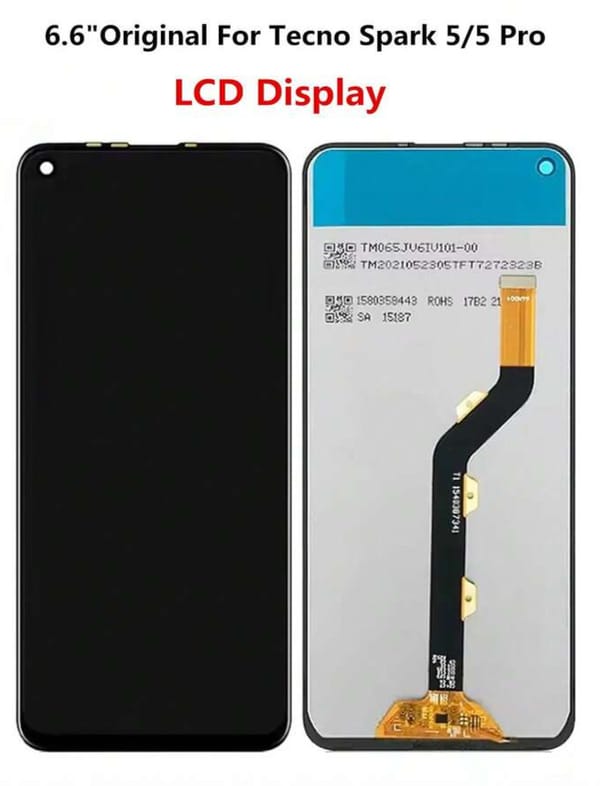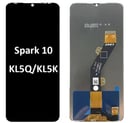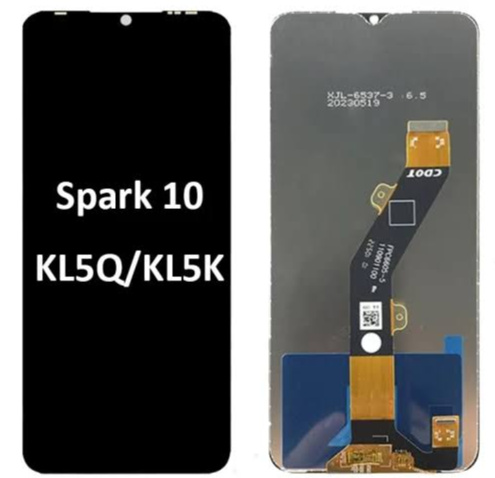
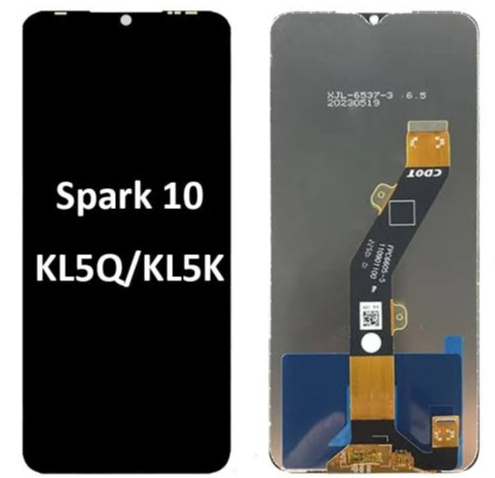
Tecno Spark 10 LCD Touch Screen Replacement – Model KI5Q
Remaining None only
SAR 50.00
Restore your phone's display with the Tecno Spark 10 replacement screen. Designed to deliver clear visuals and smooth touch response, making it an ideal replacement for damaged or broken screens
Tecno Spark 10 LCD Touch Screen Replacement
Restore your smartphone's display with this replacement screen designed for the Tecno Spark 10. It is a suitable solution for replacing damaged, cracked or malfunctioning displays.
Product Features:
- Designed for Tecno Spark 10.
- Clear display quality.
- Smooth and responsive touch functionality.
- Suitable for replacing broken or damaged screens.
- Designed to match the specified model's connectors and dimensions.
- Ideal for mobile repair technicians and spare parts retailers.
Technical Specifications:
- Brand: Tecno
- Device Model: Spark 10
- Model Number: KI5Q
- Part Type: LCD Display with Touch Digitizer
- Display Size: Approximately 6.6 inches
- Resolution: 720 × 1612 pixels
- Display Type: LCD
Compatibility:
- Tecno Spark 10 – KI5Q
- Tecno Spark 10 NFC – KI5Q
Additional compatibility depends on the screen version and connector configuration.
Installation Instructions:
- Test the screen before installation.
- Check the flex cable and connectors.
- Disconnect the battery before installation.
- Professional installation is recommended